
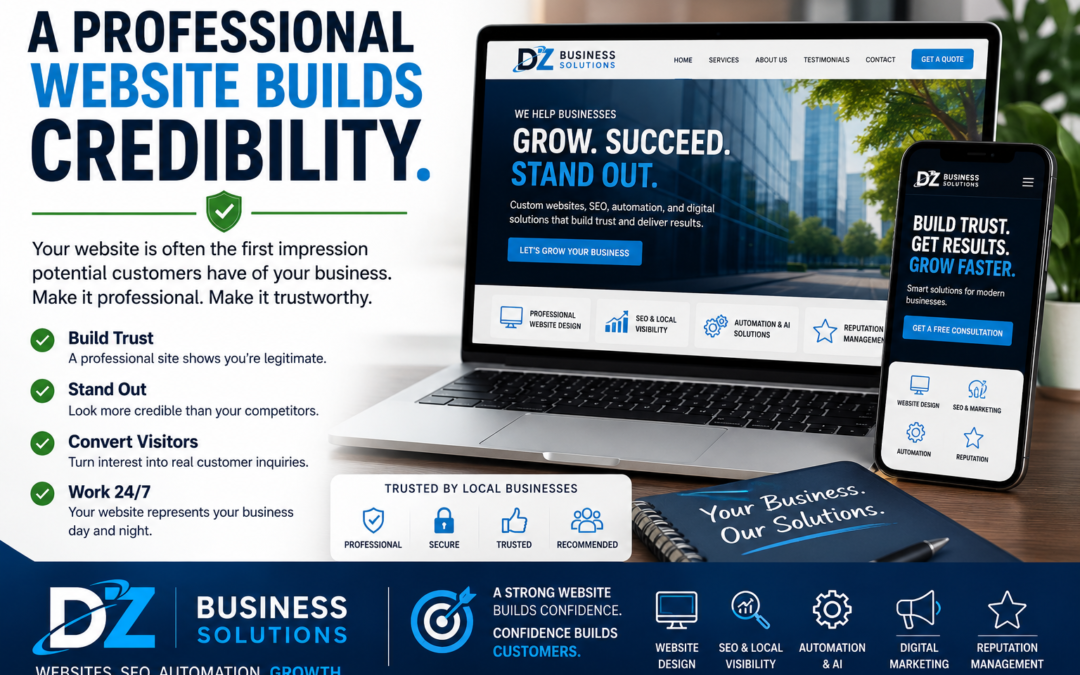
Website Credibility: Simple Fixes That Help Small Businesses Win More Customers
Your website is often the first “conversation” a customer has with your business. Before they call, book, or buy, they’re quietly asking: Is this company legit? Will they do a good job? Will I be taken care of? The good news is that credibility isn’t about having the fanciest site—it’s about removing doubt and making it easy for people to feel confident choosing you.
What “website credibility” really means
Website credibility is the overall sense of trust a visitor feels while browsing your site. It’s shaped by dozens of small signals—design, clarity, speed, and the proof you provide that you do what you say you do.
Credibility is especially important for small businesses because you’re often competing with larger brands that already feel “known.” Your website can level the playing field by making you look established, reliable, and easy to work with.
Why website credibility matters (even if you get most leads from referrals)
Many small businesses rely on referrals—and that’s a great sign you’re doing something right. But even referred prospects usually check your website before they contact you.
- Credibility reduces price shopping. When you look dependable, people focus more on value and fit, not just cost.
- Credibility increases conversions. More visitors become calls, form submissions, bookings, or purchases.
- Credibility protects your time. Clear messaging and proof attract better-fit customers and reduce “just curious” inquiries.
- Credibility improves your online presence. A well-structured site supports your visibility on search engines and local listings.
Common credibility killers (and how to spot them)
Most credibility issues aren’t dramatic. They’re small friction points that add up and create hesitation. Here are the most common ones we see:
1) Outdated design or inconsistent branding
If your site looks older than your actual business, visitors may assume your processes are outdated too. Inconsistent colors, mismatched fonts, and blurry images can unintentionally signal “not established.”
2) No clear next step
If visitors have to hunt for how to contact you, request a quote, or book an appointment, many won’t bother. A credible website guides people with obvious calls-to-action.
3) Missing trust signals
Customers want reassurance. If they don’t see reviews, testimonials, certifications, project photos, or guarantees (when appropriate), they may hesitate—especially for higher-priced services.
4) Slow load speed or mobile issues
A slow or glitchy mobile experience can make a business feel less reliable, even if the service is great. It also increases bounce rates and can limit your performance in search.
5) Vague messaging
When your homepage says what you do—but not who you help and what makes you different—visitors can’t quickly confirm they’re in the right place.
6) Thin or confusing contact information
A credible business makes it easy to verify they’re real. Missing location details, no service area, or a generic email address can create doubt.
The credibility checklist: practical upgrades that build trust fast
Use this checklist to evaluate your own site. You don’t need to do everything at once—start with the changes that remove the most friction.
Clarify your offer in the first 5 seconds
- Headline: What you do and who you do it for (specific beats clever).
- Support text: A short line that explains your approach or key benefit.
- Primary call-to-action: “Request a Quote,” “Schedule a Call,” “Book Now,” etc.
Add proof where it matters
- Testimonials: Place them near your main services and calls-to-action.
- Reviews: Link to your Google Business Profile or embed highlights responsibly.
- Case studies or project galleries: Show real outcomes and finished work.
- Certifications, licensing, insurance: If relevant, make it easy to find.
Make contact effortless
- Clickable phone number on mobile
- Simple contact form (ask only what you need)
- Clear service area or address
- Business hours and response expectations (e.g., “We reply within 1 business day”)
Modernize the “About” page (it’s a trust page)
Many visitors check your About page to confirm they’ll be treated well. A strong About page includes who you serve, how you work, what you value, and why you’re qualified—without being overly long.
Improve speed and mobile usability
- Compress oversized images
- Use clean, readable fonts and spacing
- Keep pop-ups minimal (especially on mobile)
- Test forms and buttons on multiple devices
Keep your site current
Stale content can create doubt—especially if your last update was years ago. Even simple updates like refreshed photos, current services, and recent testimonials signal that your business is active.
How DZ Business Solutions can help
Building credibility online is often less about “doing more” and more about doing the right things in the right places. DZ Business Solutions helps small businesses strengthen website credibility by focusing on clarity, trust signals, and conversion-ready design.
- Website design improvements that look professional and align with your brand
- On-page SEO and structure so your key pages are easy to find and easy to understand
- Conversion-focused updates like clearer calls-to-action, better service pages, and streamlined forms
- Reputation support that helps you showcase reviews and build trust over time
- Ongoing maintenance so your site stays secure, updated, and performing well
If you’ve ever thought, “Our business is great, but our website doesn’t reflect it,” credibility work is usually the quickest path to closing that gap.
Ready to see what your website is silently telling customers?
If you’d like a fresh set of eyes on your site, DZ Business Solutions offers a free consultation to identify credibility gaps and prioritize the fixes that can make the biggest difference.
Request your free consultation and we’ll walk through your website together—what’s working, what’s creating hesitation, and what to improve next.