
Small Business Automation: 7 Tasks You Should Stop Doing Manually (and How to Fix Them)
If your day feels like a nonstop loop of copying and pasting, chasing down invoices, and re-answering the same questions, you’re not alone. Most small business owners don’t need more hustle—they need fewer repetitive tasks taking up their best hours. The right automation can help you respond faster, stay organized, and follow up consistently without making your business feel “robotic.”
This guide breaks down common tasks you can automate, why it matters, and what to do if your current tools aren’t talking to each other.
What “automation” actually means for a small business
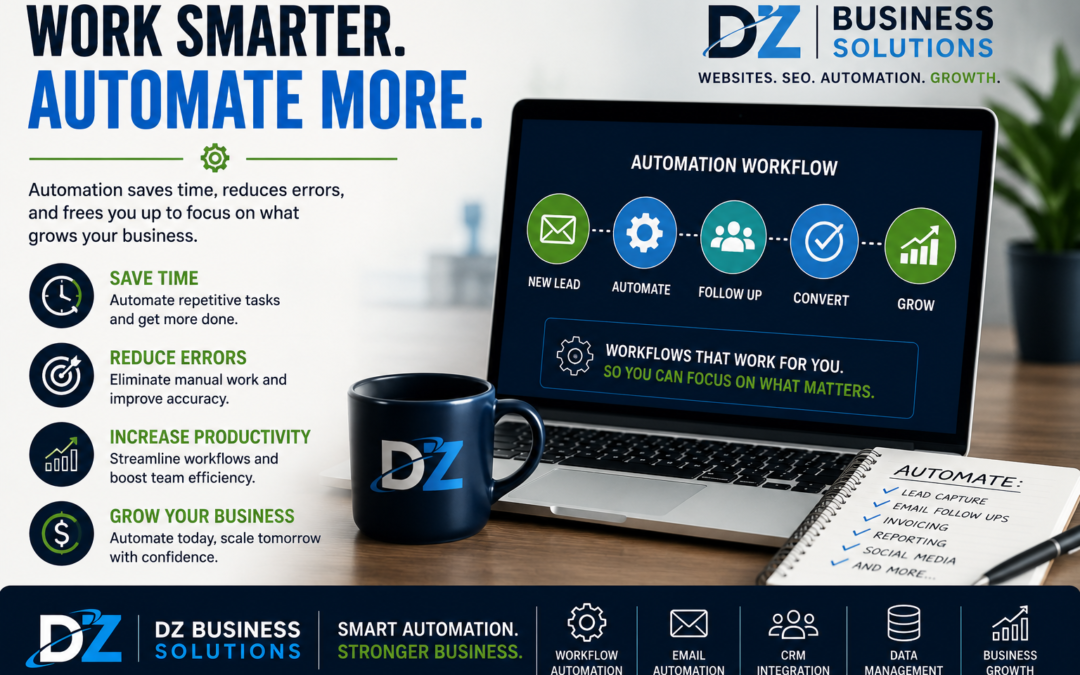
Automation isn’t about replacing people or removing the personal touch. In a small business context, automation simply means setting up systems so routine steps happen automatically—like sending a confirmation email when someone fills out a form, adding leads to a spreadsheet or CRM, or triggering a reminder when an invoice is overdue.
Good automation does two things:
- Protects your time by removing repetitive admin work.
- Protects your customer experience by making follow-up and communication more consistent.
The real problem: manual processes don’t scale
Manual workflows often work “fine” when you’re slow. But as soon as you get busy, they break in predictable ways: missed messages, forgotten follow-ups, outdated spreadsheets, customers slipping through the cracks, and delayed billing.
It’s not a discipline issue—it’s a systems issue. When everything depends on you remembering every step, your operations become fragile.
Why it matters: automation helps you win on speed, consistency, and trust
Customers now expect fast replies, clear next steps, and reliable communication. When you automate the right parts of your process, you can:
- Respond to leads faster (even outside business hours).
- Create a smoother experience from inquiry to payment.
- Reduce errors caused by retyping information.
- Improve cash flow with consistent invoicing and reminders.
- Free up time to focus on delivery and growth.
7 tasks you should strongly consider automating
1) Lead capture and follow-up
Common manual version: Someone fills out your website form, you get an email, and you reply when you remember.
Simple automation: Instantly send a polite confirmation email/text, notify your team, and add the lead to your CRM or spreadsheet with the source and timestamp.
Why it helps: Faster follow-up usually means more booked calls and fewer lost leads.
2) Appointment booking and reminders
Common manual version: Back-and-forth messages to find a time, plus last-minute no-shows.
Simple automation: Let customers book from your live availability, automatically send confirmations, and schedule reminder messages.
Why it helps: Less scheduling friction and fewer missed appointments.
3) New customer onboarding
Common manual version: You email the same information repeatedly: what to expect, what to bring, how to pay, how to contact you.
Simple automation: A short onboarding sequence that delivers the right info at the right time, plus links to intake forms and policies.
Why it helps: Customers feel taken care of, and you spend less time repeating yourself.
4) Quote requests and proposal delivery
Common manual version: You sift through emails, gather details, and build quotes from scratch.
Simple automation: Use a structured quote request form, route it to the right service category, and generate a proposal template that’s easy to customize.
Why it helps: You send quotes faster and more consistently—without rushing.
5) Invoicing, payment links, and overdue reminders
Common manual version: “I’ll send the invoice later,” then it piles up, and follow-ups feel awkward.
Simple automation: Automatically send invoices after a completed job or milestone, attach payment options, and trigger polite reminders if unpaid.
Why it helps: More predictable cash flow and fewer uncomfortable conversations.
6) Review requests and reputation management
Common manual version: You remember to ask happy customers sometimes, but it’s inconsistent.
Simple automation: Send a review request after service completion, with a direct link to your preferred review platform and a friendly message that matches your brand tone.
Why it helps: A steady stream of recent reviews can help you stand out and build trust online.
7) Internal task handoffs and checklists
Common manual version: Jobs move forward through texts, sticky notes, or “I thought you were handling that.”
Simple automation: Create standardized checklists and automatic task assignments when an order is created, a form is submitted, or a project stage changes.
Why it helps: Fewer missed steps, smoother delivery, and less stress for everyone.
Signs your business is ready for automation
- You’re getting leads but response time is inconsistent.
- Information gets retyped in multiple places (forms, spreadsheets, invoices).
- Follow-up depends on your memory.
- No-shows, late payments, or missed steps happen more often than you’d like.
- You feel busy all day but not always productive.
If you recognize a few of these, it’s usually a good time to simplify your workflow and remove the bottlenecks.
Common automation mistakes to avoid
Automating a broken process
If the steps are unclear or inconsistent, automation can just make the mess faster. Start by mapping a clean, repeatable process first.
Using too many tools
More apps can create more confusion. The goal is a streamlined stack where your key systems connect cleanly.
Making communication feel cold
Templates should still sound like you. Strong automation is personal, timely, and helpful—not generic.
How DZ Business Solutions can help
Automation works best when it’s built around your real customer journey—not just a random collection of triggers. DZ Business Solutions helps small businesses identify repetitive tasks, tighten up processes, and set up practical automations that save time while keeping your brand voice and customer experience intact.
Depending on your needs, support can include:
- Workflow mapping (from lead to booked to paid)
- Website form upgrades and lead routing
- Appointment scheduling and reminder setup
- CRM organization and follow-up templates
- Invoice and payment workflows
- Review request systems to support your online reputation
The goal isn’t complicated automation—it’s reliable operations you can trust when you’re busy.
Next step: get a free consultation
If you’d like help identifying what to automate first (and what to leave manual), DZ Business Solutions offers a free consultation to review your current workflow, spot bottlenecks, and recommend a simple plan.
Schedule your free consultation with DZ Business Solutions and take a few high-effort tasks off your plate.