
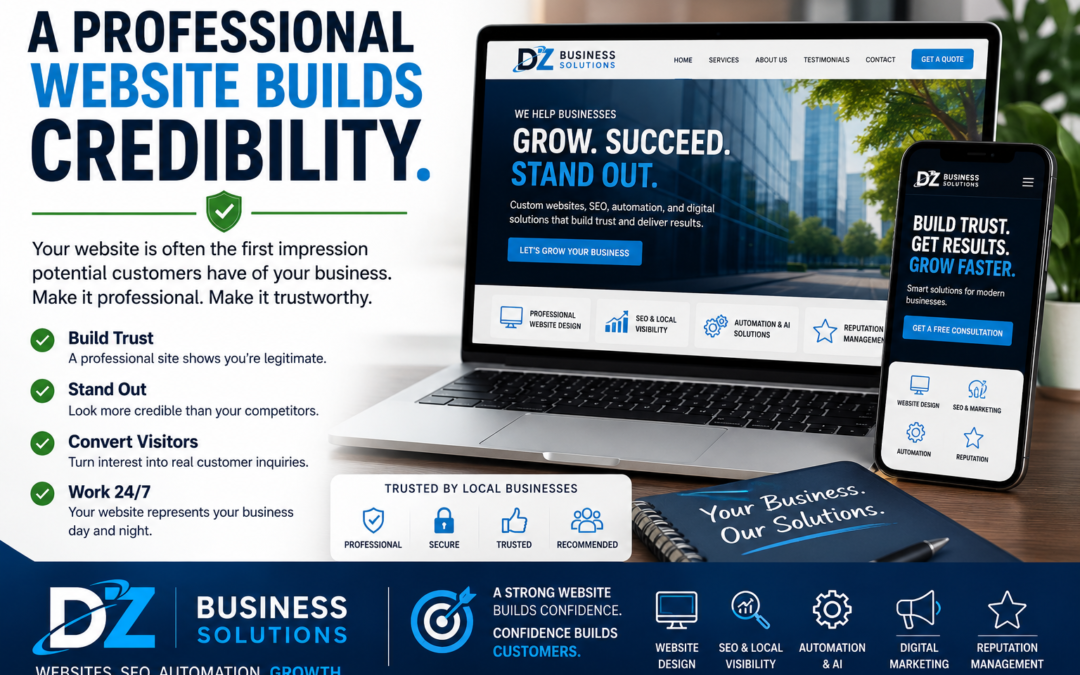
Your website is often the first impression someone has of your business. Before a visitor calls, fills out a form, or stops by your location, they’re quietly asking one question: “Can I trust this company?” Website credibility is what answers that question.
If your site looks outdated, loads slowly, feels unclear, or is missing key information, even interested visitors may leave and choose a competitor. The good news is that credibility isn’t about having the fanciest website—it’s about removing doubt and making it easy for people to feel confident moving forward.
What “Website Credibility” Really Means
Website credibility is the overall sense of trust, professionalism, and legitimacy your site communicates. It’s created by dozens of small signals—design, content, reviews, security, clarity, and consistency—that add up to a simple feeling: “This looks like a real, reliable business.”
Even if you do great work in real life, a website that doesn’t reflect that quality can unintentionally create friction in your sales process.
Why Website Credibility Matters (More Than You Think)
Most customers don’t give your website the benefit of the doubt. They will:
- Compare you with competitors (often in multiple tabs at once)
- Scan quickly for red flags like missing details, typos, or broken pages
- Look for reassurance through reviews, photos, and proof of experience
A credible website helps you:
- Increase leads by making visitors comfortable contacting you
- Improve conversion rates without needing more traffic
- Support your referrals (people check you out before they call)
- Strengthen your local presence and improve the quality of inquiries
Common Credibility Killers (And How to Fix Them)
1) Outdated Design or Inconsistent Branding
If your site looks like it hasn’t been updated in years—or if colors, fonts, and logos don’t match across pages—visitors may assume the business is inactive or not detail-oriented.
Helpful fix: Refresh the layout, tighten up your branding, and make sure every page uses consistent colors, fonts, and messaging.
2) Missing or Hard-to-Find Contact Information
If people can’t quickly find your phone number, service area, hours, or address, they may wonder if you’re legitimate—or decide it’s too much effort to reach you.
Helpful fix: Put contact details in the header and footer, add a clear Contact page, and include click-to-call on mobile.
3) No Social Proof (Reviews, Testimonials, Case Examples)
Visitors want confirmation that others have had a good experience. If your website doesn’t show real feedback, you’re relying on trust you haven’t earned yet.
Helpful fix: Feature testimonials, link to your review profiles, and include simple project photos or short case examples where appropriate.
4) Slow Load Speed and Mobile Issues
A slow site feels frustrating and unreliable. If it’s hard to navigate on a phone, visitors may assume the business is behind the times.
Helpful fix: Compress images, clean up plugins or scripts, and confirm every page looks great on mobile.
5) Vague Copy That Doesn’t Clearly Explain What You Do
If your homepage doesn’t quickly answer “What do you do, who do you help, and how do I get started?” visitors will bounce. Confusion kills trust.
Helpful fix: Use clear headings, list your services plainly, and add simple calls to action like “Request a Quote” or “Book a Consultation.”
6) No Security Signals
If visitors see browser warnings, or if your site doesn’t feel secure—especially on contact forms—they may hesitate to submit their information.
Helpful fix: Make sure your website uses HTTPS, forms are working properly, and any trust-related elements (like privacy policy links) are easy to find.
A Simple Website Credibility Checklist
- Clear headline that explains what you do and who you serve
- Professional design that matches your brand
- Fast load speed and strong mobile experience
- Easy-to-find phone number, email, address/service area, and hours
- Updated photos (real team, real work, real location when possible)
- Testimonials and review links
- Service pages that explain your process and outcomes
- Working forms and clear calls to action
- Security and privacy basics handled properly
How DZ Business Solutions Helps Improve Website Credibility
Building credibility online usually comes down to getting the fundamentals right—then making sure every part of your site supports the same message: you’re professional, responsive, and good at what you do.
DZ Business Solutions helps small businesses strengthen website credibility by improving key areas like:
- Website design and updates that look modern and match your brand
- SEO and content structure so visitors (and search engines) can understand your services
- Conversion-focused improvements like clearer calls to action and better page layouts
- Reputation management support to highlight reviews and build trust signals
- Automation to respond quickly to inquiries and reduce missed leads
If you’re getting traffic but not enough calls, forms, or bookings, credibility is often part of the issue—and it’s usually fixable without starting from scratch.
When It’s Time to Get a Second Set of Eyes on Your Website
Consider getting help if:
- You’re getting website visits but not many inquiries
- Your site looks fine to you, but customers still ask basic questions
- You’re embarrassed to send people your link
- Competitors seem to be getting more calls from similar services
- Your website hasn’t been updated in a long time
A credibility-focused review can reveal the small issues that quietly push customers away—and highlight the quickest wins to improve trust and conversions.
Ready to Grow Your Business Online?
DZ Business Solutions helps businesses with website design, SEO, automation, AI solutions, reputation management, and digital marketing strategies that drive growth.
Whether you’re launching a new business or looking to attract more customers, we’re here to help.